

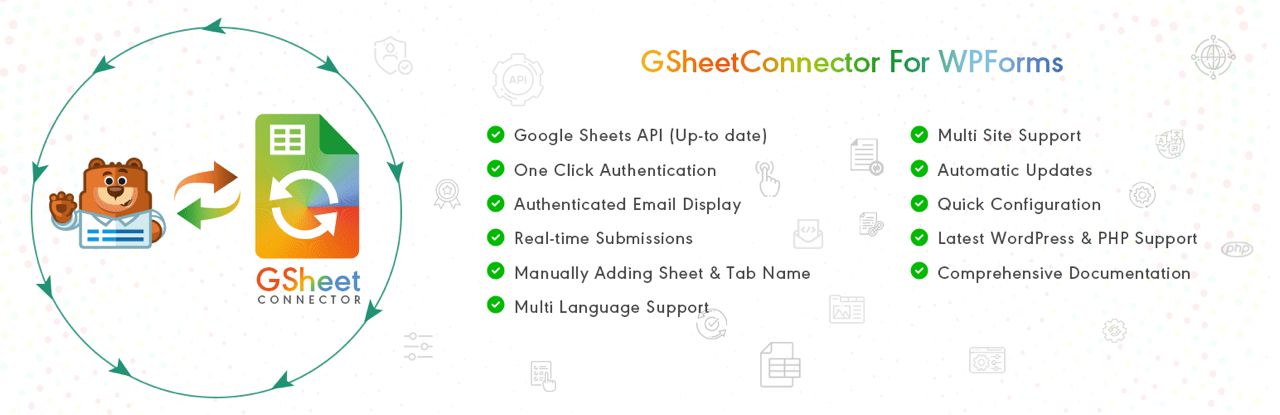
Description
WPForms – Google Sheets Integration & Setup
This service connects your WPForms forms directly to Google Sheets, so every form
submission is sent automatically into a spreadsheet. No more copy/paste – your leads, enquiries,
orders or registrations stay organized in real-time in one place.
What this integration does
- Automatic sync – every time a form is submitted, a new row is added to your Google Sheet.
- Field mapping – name, email, phone, message, amount, date and any custom fields are mapped to columns.
- Central spreadsheet – view, filter and sort all submissions inside Google Sheets.
- Multiple forms support – you can connect one or more WPForms forms to one or different sheets.
- Great for teams – share the sheet with your staff, VA or partners without giving them WordPress access.
Perfect for
- Contact & enquiry forms
- Order / booking / quote forms
- Survey or feedback forms
- Application / registration forms
- Internal request forms (support, logistics, etc.)
What’s included in this setup
- Connection between your WPForms and a Google Sheets account.
- Creation or configuration of the destination Google Sheet.
- Field mapping (form fields → sheet columns).
- Basic formatting for the sheet (headers, date columns, etc.).
- Test submissions to confirm that new entries arrive correctly.
How the process works
- You must already have WPForms installed on your WordPress site.
- After placing the order, you provide temporary access (WordPress + Google, or API/credentials as needed).
- I either create a new Google Sheet or connect to your existing sheet.
- I connect WPForms to Google Sheets using the integration method or addon you prefer.
- I map all important fields (name, email, phone, message, order details, etc.).
- We run test submissions to verify that each new entry appears as expected in the sheet.
Once the integration is active, you can keep using your forms as usual, and all new form entries are
stored both inside WordPress (WPForms entries) and in your Google Sheet for reporting, filtering and
team sharing.
Why connect WPForms to Google Sheets?
- Better organization: keep all leads and form data in one place.
- Faster workflow: no more manual exporting or copy/pasting.
- Easier collaboration: share data with your team without giving them admin access.
- Live reports: build charts, filters or dashboards on top of your form data.
If you need this integration for multiple forms or multiple sites, custom packages can be arranged.






Reviews
There are no reviews yet.